
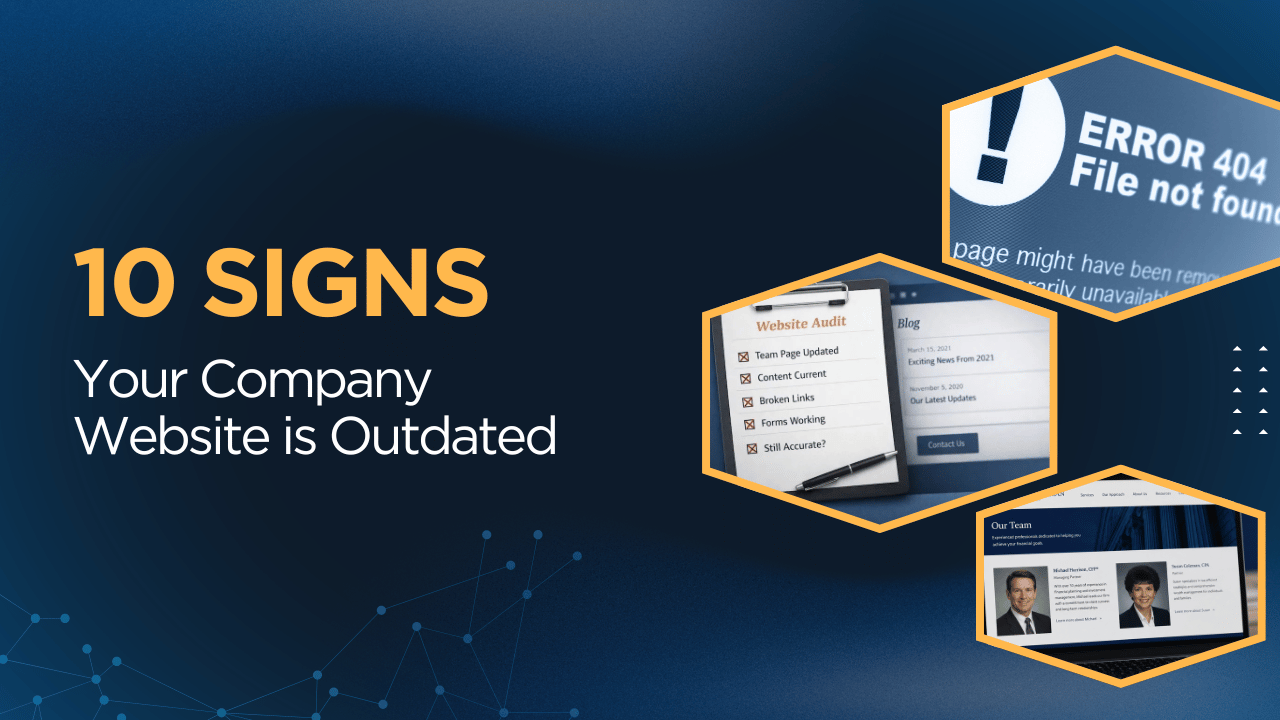
A business website does not become outdated all at once, it happens gradually.
- Pages stop getting updated as your business evolves
- Small edits are made by different people over time
- A blog that used to be active, goes stale
Nothing feels urgent enough to deal with right away, so the website keeps going as-is. And for a while, it still seems fine.
That is what makes it easy to overlook an outdated website.
Your company website can still be live, functional, and technically “working” while also showing clear signs that it is out of date.
In this article we'll cover 10 signs your company website is outdated in 2026:
- Your copyright year is outdated
- Your team or about page is no longer accurate
- Your services are behind where the company is now
- Your case studies or credibility points are old
- Important pages contain outdated details
- Your blog or news section is no longer updated
- Your forms, links or CTAs are broken
- Your website has become visually inconsistent
- The site hasn't been updated in a very long time
- Your website has technical issues
Why This Matters
An outdated website does more than look a little neglected.
It can affect trust.
People notice when a website feels stale, even if they cannot immediately explain why.
In some cases, a business website that looks outdated can make potential customers wonder whether the company is still active, still growing, or still paying attention.
"A business website that looks outdated can make potential customers wonder whether the company is still active."
That is especially true if your site used to show signs of activity - such as a blog, news section, or updates page - and then everything simply stopped.
Not every company needs to publish content all the time. But when a website shows visible signs that it has not been maintained in a while, people notice.
If you are wondering whether your website may be starting to drift out of date, here are some of the most common signs to look for.
1. Your copyright year is outdated
This is a small one, but it matters.
If your website footer still says © 2023, © 2024, or even © 2025, it suggests that no one is routinely checking the site.
Not all visitors will pick up on this, but those who are attuned to the little details will notice it. Once a few signs of neglect start showing up, it risks impacting credibility.
Fortunately, while this is one of the simplest signs your website is outdated, it’s also one of the easiest things to fix.
2. Your team, or about page is no longer accurate
This is a very common sign of an outdated business website.
- Someone left six months ago and is still listed on the team page
- A new leader joined and never got added
- The company has grown, changed locations, or evolved in a meaningful way, but the website still reflects an older version of the business.
That creates a subtle disconnect.
When someone is evaluating your company, they are trying to get a
current sense of who you are and how established you are.
If the information on your website no longer lines up with reality, that trust starts to weaken.
3. Your services or positioning are behind where the company is now
A lot of companies outgrow their website before they realize it.
Maybe the company has matured, but the website still sounds like an earlier-stage version of the business.
Maybe the quality of your work has gone up, your clientele has changed, or your offerings have become more refined - but the site still speaks in older, broader, or less polished terms.
That does not always look obviously wrong. But it can absolutely make the website less effective.
If your company has become more sophisticated and the website has not kept up, the site may still be technically accurate while underselling the business.
That is one of the more subtle signs a website is outdated.
4. Your testimonials, case studies, or credibility points are old
Trust signals are most helpful when they are current.
If your testimonials are several years old, your featured work has not been updated in a long time, or your credibility points stop at a noticeably earlier chapter of the company, people notice that too.
For example:
- You’ve won awards, but the dates on them are 5+ years old
- You have a BBB Accredited badge but your business is no longer accredited
- Your case study dates are all from many years ago
- There haven’t been projects added to your portfolio since 2020
It is not so much one dramatic issue. It is more the overall impression.
If someone is trying to assess whether your company is active, credible, and moving forward, old proof can start to work against you, especially when paired with other signs your website is outdated.
A healthy business should generally have a website that shows some signs of life.
5. Important pages contain outdated details
This is where an outdated company website often starts showing its age in obvious ways.
Things like:
- old service descriptions
- outdated downloadable PDFs
- references to offerings you no longer provide
- old office locations
- broken links
- pages that still say “coming soon”
- event or seasonal references that should have been removed long ago
These are the kinds of details that make a website feel unattended.
They also create unnecessary friction. If a prospect sees conflicting or outdated information, they now have to wonder which version is correct.
That is not a great way to start a business relationship.
6. Your blog or news section is no longer updated
This one is worth paying attention to because it can send a stronger message than people realize.
To be clear: you do not need to constantly publish blog posts to have a good website. Most companies do not need a high-volume content machine.
But if your website visibly suggests that your company does publish updates, and then those updates stopped a long time ago, that can create a bad signal.
A blog that ends abruptly. A news section with nothing recent. An “Insights” page that has not been touched in eight months.
That kind of silence can make people wonder:
- Is the company still active?
- Is this website still being maintained?
- Is this information still current?
Even if your business is doing great, this is one of the clearest signs your website is outdated.
If you are not going to actively maintain a blog or updates section, it is better to be intentional about how it appears on the site than to let it slowly die in public.
7. Your forms, links, or calls to action are broken
This is one of the more important signs because now we are getting into things that can directly affect business.
A website can look perfectly fine while key functionality is breaking.
That might mean:
- a contact form is no longer routing correctly
- a downloadable resource link is broken
- a booking link no longer works
- a CTA points somewhere outdated
- a form sends to someone who no longer works at the company
This is the kind of issue that usually sits unnoticed until someone internally happens to catch it. And in the meantime, you may have lost leads without realizing it.
"You may be losing leads without realizing it."
If nobody is periodically checking those things, problems can sit there longer than most companies would expect.
8. Your website has become visually or verbally inconsistent over time
This is a big one.
A lot of websites start out clean and cohesive because they were originally designed well.
Then over time, small edits get made by different people.
- A new section gets added or rearranged
- A page gets updated by someone trying to be helpful
- Another person swaps in different button styles
- Someone rewrites a headline in a different tone
- A new page gets built without matching existing styles
The visual consistency gets weaker. The writing starts sounding like it came from three different people.
Some pages feel carefully designed, while others feel improvised.
"Does your website look pieced together, or consistent?"
This is one of the clearest signs a website is outdated: when the site is no longer being maintained with the same level of care it was originally built with. It starts looking pieced together.
And yes, people absolutely notice this.
9. Your website has not been updated in a long time
This is the umbrella sign that often sits underneath everything else.
The absence of ongoing care results in a website that looks outdated.
While a website does not need constant redesigns, it does need someone paying attention to it.
And when that stops happening, the difference shows.
10. Your website has technical issues
Not every outdated website has obvious technical problems.
But when technical issues do start showing up, that is usually a strong sign the website is no longer being actively maintained the way it should be.
Technical issues with a website include:
- Pages loading slowly
- Images not displaying properly
- Layout issues on mobile
- Sections that no longer align correctly
- Outdated plugins or integrations causing problems
- Features that work inconsistently from one browser or device to another
A slow or unreliable website is not just frustrating — it can make the business itself feel less current, less polished, and less trustworthy.
And to make matters worse, technical issues are easy to miss unless someone is routinely checking the site.
If your website is starting to show technical wear, it is usually a sign that it needs attention.
What to Do If Your Website Is Outdated
If any of these signs of an outdated website apply to the company you own or where you work, it does not automatically mean you need a full website redesign.
Sometimes the site itself is still fundamentally solid.
What it usually means is that the website needs a proper review and a round of cleanup before small issues turn into bigger ones.
A good place to start is with the basics:
- update anything that is clearly out of date
- review your key pages for accuracy
- test your forms and calls to action
- remove or fix anything that feels neglected, broken, or inconsistent
- make sure the website reflects the company as it exists today
That alone can go a long way.
And if the site has been updated by different people over time, it is often worth stepping back and looking at it as a whole, not just page by page.
Is it still on-brand? Does it feel consistent throughout?
This will give your team a clear picture of what needs attention, what is still working, and whether the site needs maintenance,
cleanup, or a redesign.
How to Keep It From Happening Again
The bigger issue with most outdated websites is not usually one bad page or one broken form.
It is that no one is consistently responsible for the website after launch. As a result, small updates get delayed, content grows stale and inconsistencies start stacking up.
The best way to prevent this is to make sure someone actually owns the website.
That is exactly what our website care services are for.
At Bonfire Studio, every website we build comes with the option for ongoing care, so it stays current, consistent, and in good working order after launch - not just on day one.
If your website is starting to show some of these signs, the first step is understanding where things stand, and what needs attention.
From there, you can decide whether the right next move is cleanup, or a more comprehensive rebuild.
Concerned your website may be falling out of date?
If you're wondering whether your website is showing signs that it's outdated, we offer a free website audit for established businesses.
No pressure or obligation.
We'll take a look and give you an honest read on what's working well, what we recommend addressing, and why.
Contact us and request a Free Website Audit →

About the Author: Sara MacQueen
Sara MacQueen is the founder of Bonfire Studio, a boutique web design studio that builds custom websites for established businesses in complex, regulated industries. She has over 20 years of experience spanning design, marketing, and software development.